
5 tips to effectively train learners on a new digital tool

When it comes to tool training, online modules often feel repetitive. Endless screenshots, too much text, and a lack of human touch are just a few of the reasons why completion rates are often lower than expected.
So what’s the secret to keeping learners motivated and engaged while introducing them to a new digital tool?
Here are 5 practical tips to help you design more engaging e-learning modules with Teach Up.
1. Focus on the use of the tool...
…not just the technical features. Learners will feel more involved when training directly connects to their everyday needs.
Highlight the benefits for the learner
One of the most common mistakes is listing tool features like a FAQ. Instead, define clear learning objectives based on how the tool will be used. Then select only the content that adds value.
Use storytelling to add meaning
Storytelling is a powerful engagement lever in digital learning. Place learners in relatable scenarios that mirror their daily routines, so they can see how the tool makes a difference in practice.
2. Prepare your content carefully
With objectives in place, the next step is deciding how to showcase the tool’s key functionalities inside your module.
Use visuals for core features
Screenshots and short demo videos are much more effective than text-heavy explanations. On Teach Up, you can use clickable image zones to make tool interfaces more intuitive.
Keep text for context, not for everything
Use written explanations for secondary details or background information, but avoid stacking too many similar formats back-to-back.
Humanize your module with video recordings
Tools like Loom (free version available) make it easy to record your screen with a webcam overlay. This adds a human touch and makes demos feel more personal.
“Before designing an educational video, I create a voice script to know what I’m going to say and a video script to know what I’m going to record in the tool. This allows me to produce a short and impactful video!”, Alice, Instructional Designer
3. Boost learning with interactivity
Demo videos are a great start, but interaction is key to learner engagement.
Leverage adaptive learning
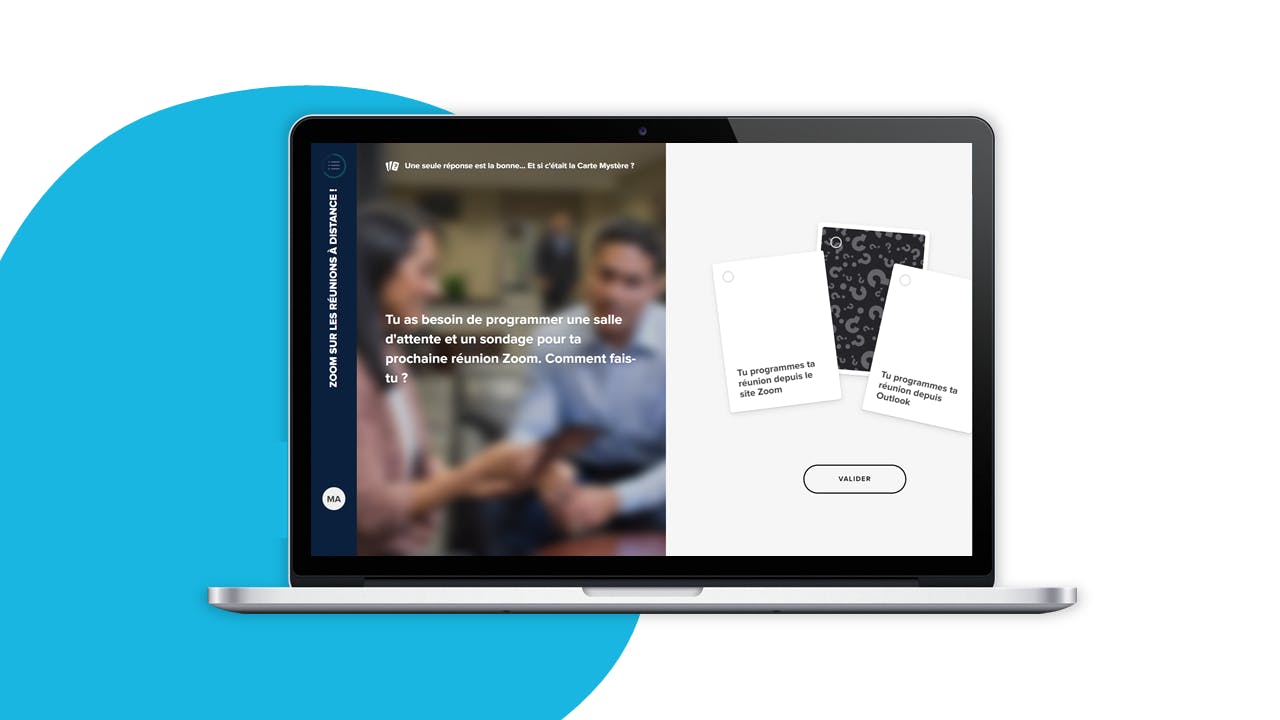
Powered by Teach Up’s pedagogical AI, Adaptive Learning personalizes the experience in real time based on each learner’s mastery level. Just add questions or games to your content—the AI does the rest.
This ensures learners reach 100% mastery at their own pace. To make it even more impactful, use real-life case studies tied to their daily work.
Encourage social learning
Learning a new tool in isolation can feel frustrating. With Teach Up’s contribution walls, learners can share feedback and experiences with peers. If the same challenges keep coming up, you’ll know what to adjust in your module.
“I like to engage learners right from the start of the module through surveys. To do this, I ask a question related to the use of the tool and its features. This helps them project themselves and position themselves in relation to the rest of the group.”, Yasmine, Instructional Designer
4. Provide complementary resources
Learners’ digital skills vary, and some may feel overwhelmed by complex tools. Supplement your training with additional resources:
- Link to the tool’s FAQ: FAQs are goldmines of functional details. Direct learners to them so they get used to using this resource on their own.
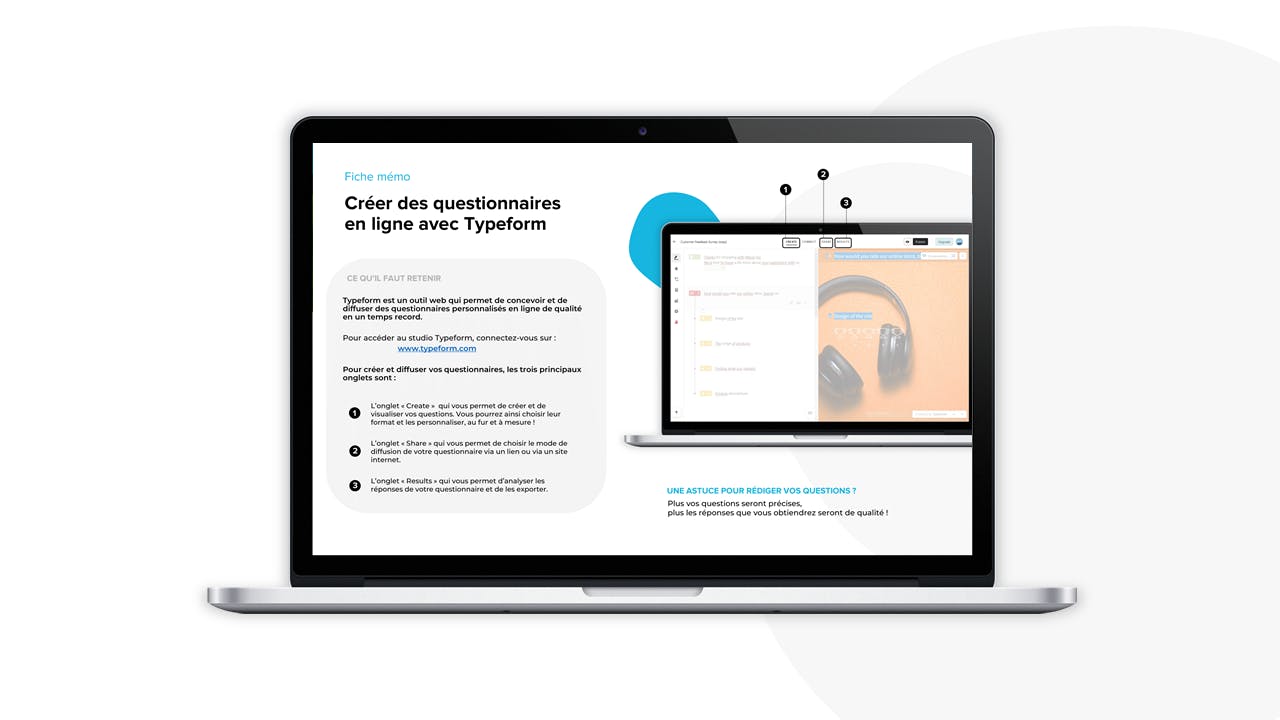
- Offer a takeaway memo: Provide a downloadable PDF recap with key points, essential features, and best practices. Learners can keep it as a quick reference.
5. Make the leap to practice easy
Once learners have the knowledge, the next step is applying it.
Challenge learners with real-world practice (AFEST)
Encourage participants to complete a task in the actual tool and then share best practices with peers on a contribution wall.
Keep the feedback loop alive
Training doesn’t end with the module. Send reminders, run quick surveys, or organize focus groups to gather feedback on how the tool is being used over time.
Ready to get started?
You now have everything you need to design effective, learner-centered e-learning for tool adoption.
And if you’re looking for an all-in-one platform to create, deliver, and track the impact of your training, Teach Up is here to help. Shall we talk?
Want to know more about Teach Up?
Book a meeting with one of our experts