
Refresh your e-learning: 8 free tools to bring new life to existing content

When designing a new training program, there’s always a lot of knowledge to share. To save time and energy, it often makes sense to reuse existing content.
But how can you update outdated e-learning modules or old presentation decks? How can you optimize existing resources so they feel more dynamic and impactful?
Good news: there are plenty of free tools to help you repurpose your content while adapting to today’s learning practices.
You can:
- Transform the format: shorter, more concise, or gamified experiences often have greater impact.
- Rework the storytelling: sometimes, the secret to engagement lies in the narrative thread that brings everything together.
- Diversify the learning methods: variety ensures you meet the needs of different learning styles, knowledge levels, and contexts (commuting, office, fieldwork…).
Here are 8 free tools recommended by Teach Up to help you refresh your existing training content.
Tip #1. Strengthen the visual identity of your module
Bringing consistency to your training materials—both in style and structure—is essential when you’re combining resources from different origins. Sometimes, a simple visual refresh can modernize your e-learning experience.
Use emoji and illustration libraries
Want to add dynamism and structure to text-heavy content? Free emoji banks and illustration libraries can help. Emojis, GIFs, and playful visuals add a touch of lightness and humor when used sparingly.
Our favorites: thenounproject⎮freepik⎮open peeps⎮emojipedia⎮giphy

Create professional visuals without being a designer
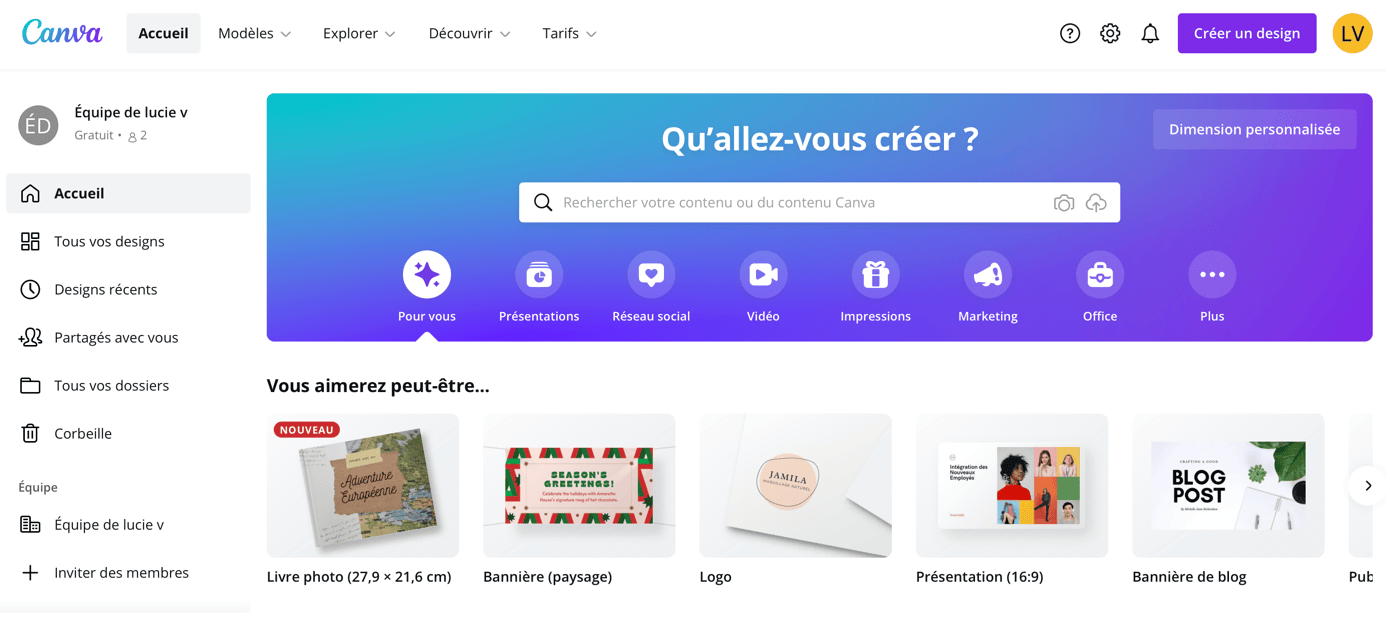
Today, countless design platforms let you create polished visuals, charts, and diagrams quickly and easily.
Our go-to tool: Canva
Use mind mapping for complex topics
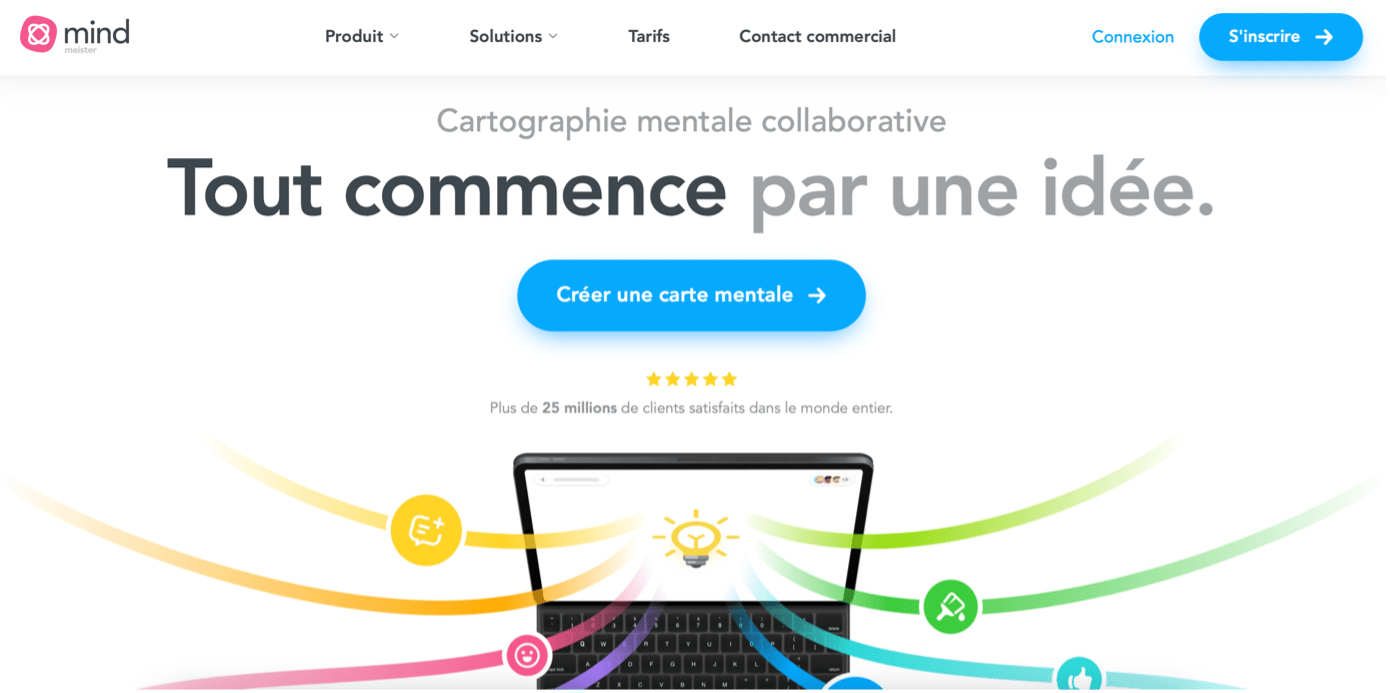
For complex training subjects, a mind map helps learners visualize and structure knowledge more effectively.
Our favorite: Mindmister
Tip #2. Capture attention with video
Video remains one of the most engaging digital learning formats. Whether immersive, interactive, or short-form (like social media reels), it’s an essential tool to re-energize your content.
Explain a concept on camera
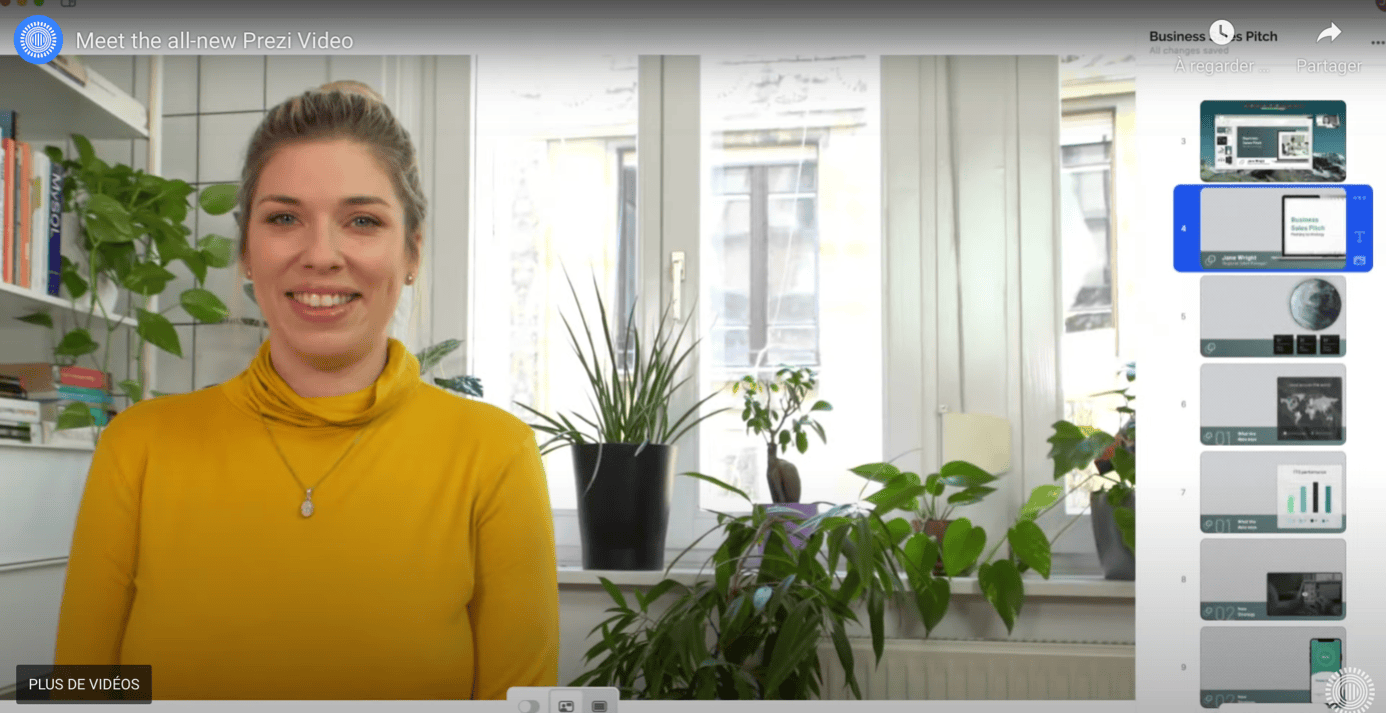
You don’t need a big production team. A good webcam and screen sharing can produce highly valuable video content.
Our picks: Prezi vidéo⎮ Pitchboy
Make quick demo videos
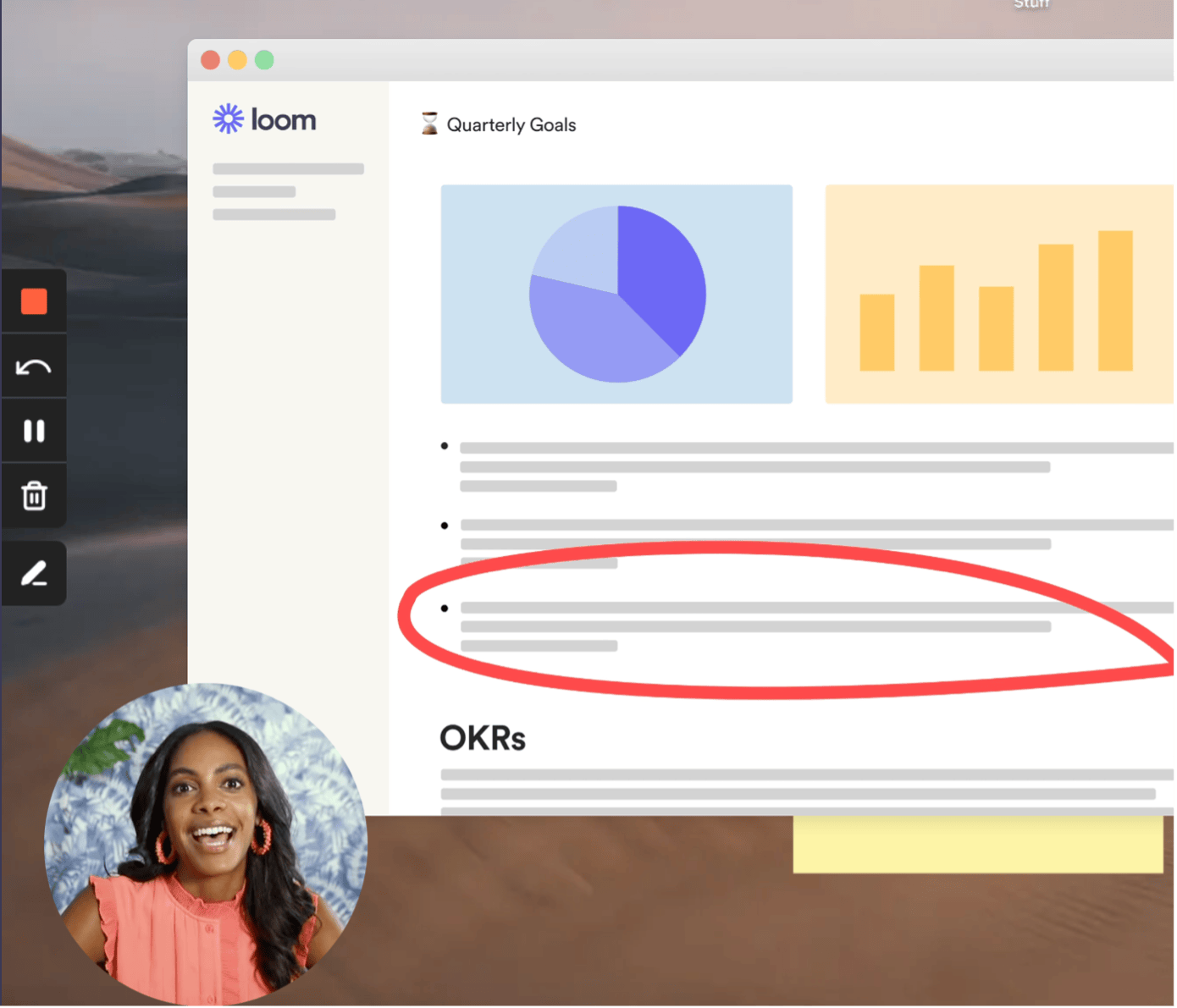
A short, guided walkthrough can be far more effective than text-based instructions.
Our favorite: Loom
Summarize or reinforce key takeaways
Short, story-style videos are increasingly popular for learning, perfect for recaps or quick instructions.
Our pick: StorifyMe

Tip #3. Engage all the senses
Training shouldn’t just be visual. Adding sound or voice elements can surprise learners and make the experience more immersive.
Build an audio atmosphere
From podcasts to guided voiceovers, audio is a great way to connect with learners.
Our favorites:
- To record: Online Voice Recorder or Garageband (Mac)
- To add background music: Uppbeat
Tip #4. Play, quiz, and interact
Tip #5. Ask, survey, and collect feedback
Refreshing content isn’t just about visuals or games—it’s also about two-way communication. Learners should be able to interact, share feedback, and exchange best practices.
From quizzes to chatbots and forms, there are many ways to encourage interaction.
Our favorite: Typeform
Tip #6. Build immersive digital experiences with your existing content
Teach Up is the platform to create and deliver engaging digital learning experiences powered by adaptive learning.
With Teach Up’s authoring tool, you can easily centralize content (text, images, videos) and enrich it with interactive questions. The AI engine automatically turns it into an adaptive experience.
And with the SPOC (Small Private Online Course) feature, you can bring everything together in one immersive mini-site—ensuring consistency for both authors and learners while boosting overall engagement.
Vous souhaitez en savoir plus sur Teach Up ?
Prenez rendez-vous avec un expert Teach Up et découvrez la plateforme LXP !